
An HSA entry on your pay stub may show money taken from your pay, money contributed by your employer, or both. Separate those sources before comparing the statement with your health savings account. The combined contribution is not necessarily the amount deducted from your paycheck.
Employee and employer entries serve different purposes
Start with the full payroll label or the explanation available in your benefits portal. An employee contribution reduces the pay available to you through payroll; an employer contribution is a separate funding source. An employer amount shown for information should not automatically be subtracted from your cash pay.
Confirm that the entry really concerns a health savings account. An insurance premium, health flexible spending arrangement (FSA), and HSA contribution are different items. The IRS Publication 969 discusses these arrangements separately and explains HSA eligibility and contribution rules. Having a payroll line does not establish that every contribution is eligible or within your applicable limit.
Example: $100 from payroll and $50 from the employer
Assume a fictional employee elects a $100 payroll HSA contribution for a payment and the employer contributes another $50 for the same comparison period. Assume both amounts reach the account and there are no corrections, fees, distributions, or other contributions in this example:
- Employee payroll contribution: $100.
- Employer contribution: $50.
- Combined HSA contributions: $100 + $50 = $150.
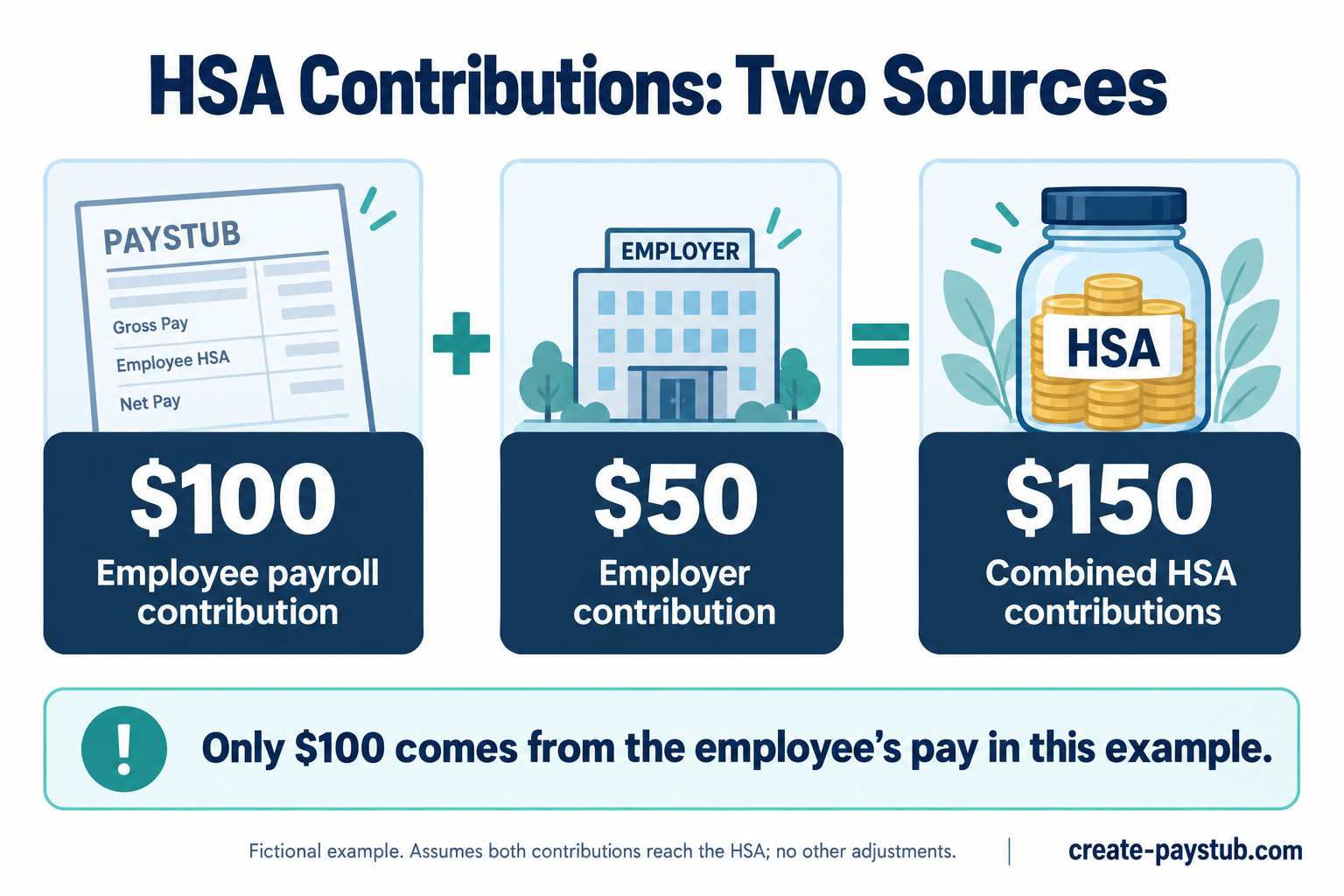
Only the $100 is sourced from the employee's pay here. Subtracting the full $150 as an employee deduction would misread the example. The final change in take-home pay also depends on the payroll tax treatment and other entries, so this is not a net-pay estimate.
Why W-2 code W can include your own payroll contributions
The IRS W-2 instructions require code W in box 12 to include employer HSA contributions, including employee contributions made through a cafeteria plan. Consequently, a code W amount labeled “employer contributions” does not necessarily mean the employer supplied all of that money.
Do not assume every personal HSA deposit belongs in code W. The contribution route matters. Ask payroll which amounts it reported, and keep separate records for contributions you made directly outside payroll. Our W-2 versus pay stub guide explains why matching the category is essential when comparing annual records.
How to compare your pay stub with HSA activity
- Match the election. Compare the employee amount with your current payroll election and its effective date.
- Identify employer funding. Check the employer's stated contribution schedule rather than assuming it matches every payday.
- Use transactions. Look at contribution entries in the HSA, not just its current balance. Spending, fees, investment activity, or other transactions can affect the balance.
- Confirm the dates. If a payroll amount is absent from the account, ask when it was transmitted and how the account provider records it.
- Compare matching periods. Keep current-payment and year-to-date totals separate, and identify any corrections or separately posted amounts.
Our YTD reconciliation guide can help check the cumulative payroll figure. Do not add all the YTD totals from successive statements together; later totals already include earlier amounts.
What to ask when the amounts differ
“My statement dated [date] shows an employee HSA contribution of [amount] and an employer contribution of [amount]. I can identify account contributions totaling [amount]. Please confirm the amounts transmitted, their dates, and whether any contribution or correction was posted separately.”
If payroll confirms transmission, request a reference or supporting detail that the HSA provider can use to investigate. If the deduction differs from your election, request a payroll review. Save the statement, election confirmation, account activity, and replies together.
Use our pay stub correction checklist to document an unresolved discrepancy. A matching contribution total checks the transfer arithmetic; it does not by itself confirm HSA eligibility, your annual limit, or the correct tax-return treatment.